Using ROS with Qt
This guide explains how to integrate a Qt project with ROS 1, enabling it to run via rosrun or roslaunch commands. The core approach is to convert the Qt project into a ROS package and properly configure CMakeLists.txt. Below are the complete steps.
1. Check g++ Version
Qt5 requires g++ 4.8 or later:
g++ --version
gcc --version
2. Create a ROS Workspace
source /opt/ros/noetic/setup.bash
mkdir -p ~/inexbot/src
cd ~/inexbot/src
catkin_create_pkg Qt_test roscpp std_msgs
3. Adjust Qt Project Structure
First, create a Qt project with the following file structure, where libs contains library files .so and their header files .h:
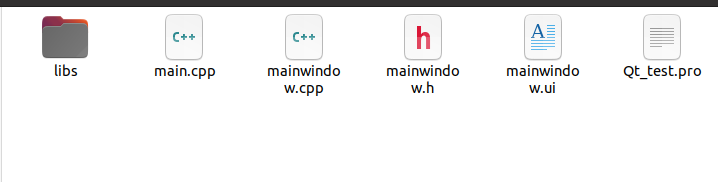
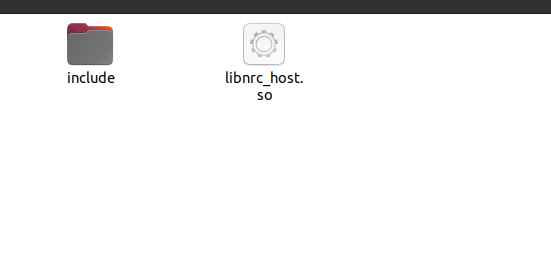
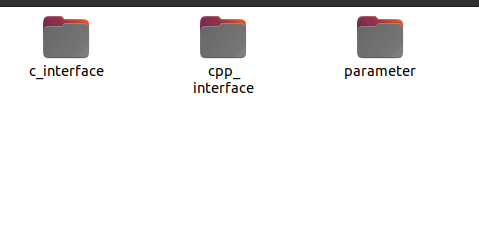
The Qt project needs some structural adjustments to work as a ROS package, as shown below:

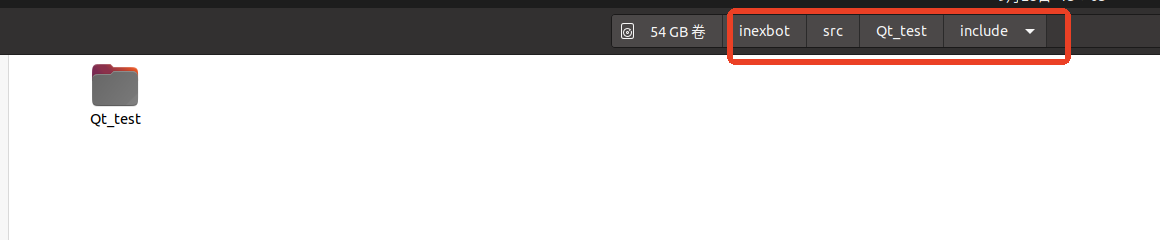
Move the original project files main.cpp, mainwindow.cpp, and Qt_test.pro into the src directory, and place mainwindow.h in include/Qt_test:
4. Modify CMakeLists.txt
This is the most critical step. You need to modify the CMakeLists.txt file under the function package so it can compile the Qt project. ROS uses CMake, while Qt typically uses qmake, but you can use CMake's find_package to locate Qt.
cmake_minimum_required(VERSION 3.0.2)
project(Qt_test)

# Find Catkin and ROS packages
find_package(catkin REQUIRED COMPONENTS
  roscpp
  std_msgs
)

# Set C++ standard
set(CMAKE_CXX_STANDARD 11)
set(CMAKE_CXX_STANDARD_REQUIRED ON)

# Find Qt5
set(Qt5_DIR "/usr/lib/x86_64-linux-gnu/cmake/Qt5")
find_package(Qt5 COMPONENTS Core Widgets REQUIRED)

# Catkin package configuration
catkin_package(
  CATKIN_DEPENDS roscpp std_msgs
)

# Include directories
include_directories(
  include
  /opt/ros/noetic/include
  ${catkin_INCLUDE_DIRS}
  ${Qt5Widgets_INCLUDE_DIRS}
)

# Set automatic processing
set(CMAKE_AUTOMOC ON)
set(CMAKE_AUTORCC ON)
set(CMAKE_AUTOUIC ON)  # Ensure this line exists

# Process resource files (if .qrc files exist)
file(GLOB RESOURCE_FILES "*.qrc")
qt5_add_resources(QT_RESOURCES ${RESOURCE_FILES})

# Source files
set(SRC_FILES
  src/main.cpp
  src/mainwindow.cpp
)

# Header files
set(HEADER_FILES
  include/Qt_test/mainwindow.h
  libs/include/cpp_interface/nrc_api.h
  libs/include/cpp_interface/nrc_interface.h
)

# Add library paths
link_directories(${PROJECT_SOURCE_DIR}/libs)

# Create executable
add_executable(${PROJECT_NAME}
  ${SRC_FILES}
  ${HEADER_FILES}
  ${QT_UI_HEADERS}
  ${QT_RESOURCES}
)

# Link libraries
target_link_libraries(${PROJECT_NAME}
  ${catkin_LIBRARIES}
  Qt5::Widgets
  Qt5::Core
  nrc_host
)

# Install executable
install(TARGETS ${PROJECT_NAME}
  RUNTIME DESTINATION ${CATKIN_PACKAGE_BIN_DESTINATION}
)

# Install library files (optional)
install(FILES libs/libnrc_host.so
  DESTINATION ${CATKIN_PACKAGE_LIB_DESTINATION}
)
Notes:
qt5_add_resources: embeds.qrcresource files into the executable;CMAKE_AUTOMOC,CMAKE_AUTORCC,CMAKE_AUTOUIC: automatically handle Qt meta-object compiler, resource compiler, and UI conversion;- Make sure source file paths (such as
src/main.cpp) are correct.
5. Build the Package
Go back to the workspace root directory and build:
cd ~/inexbot
catkin_make
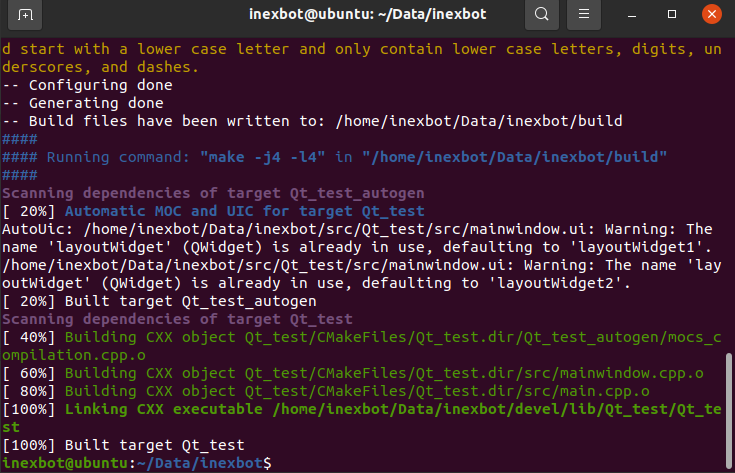
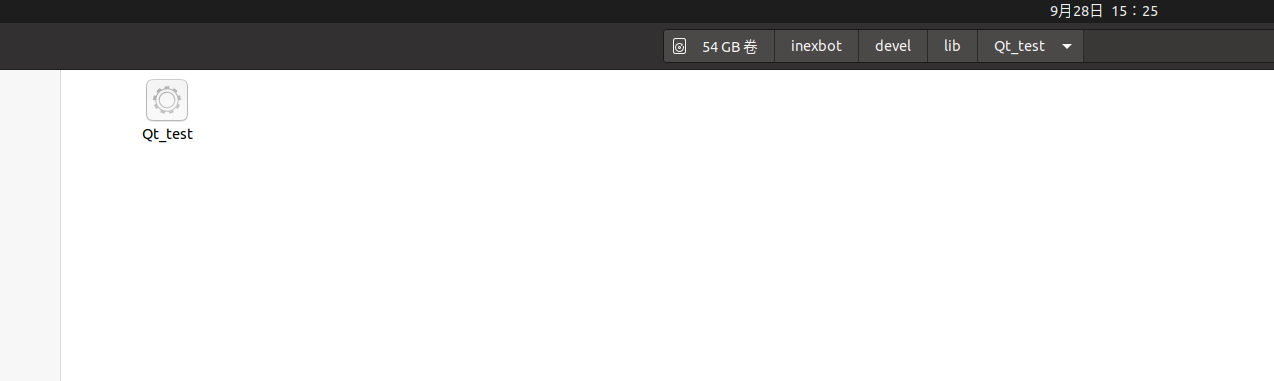
If the build succeeds, you should find the generated executable Qt_test in the ~/inexbot/devel/lib/Qt_test/ directory:
6. Run
# First, make sure roscore is running
roscore

# Then run the node
source ~/inexbot/devel/setup.bash
rosrun Qt_test Qt_test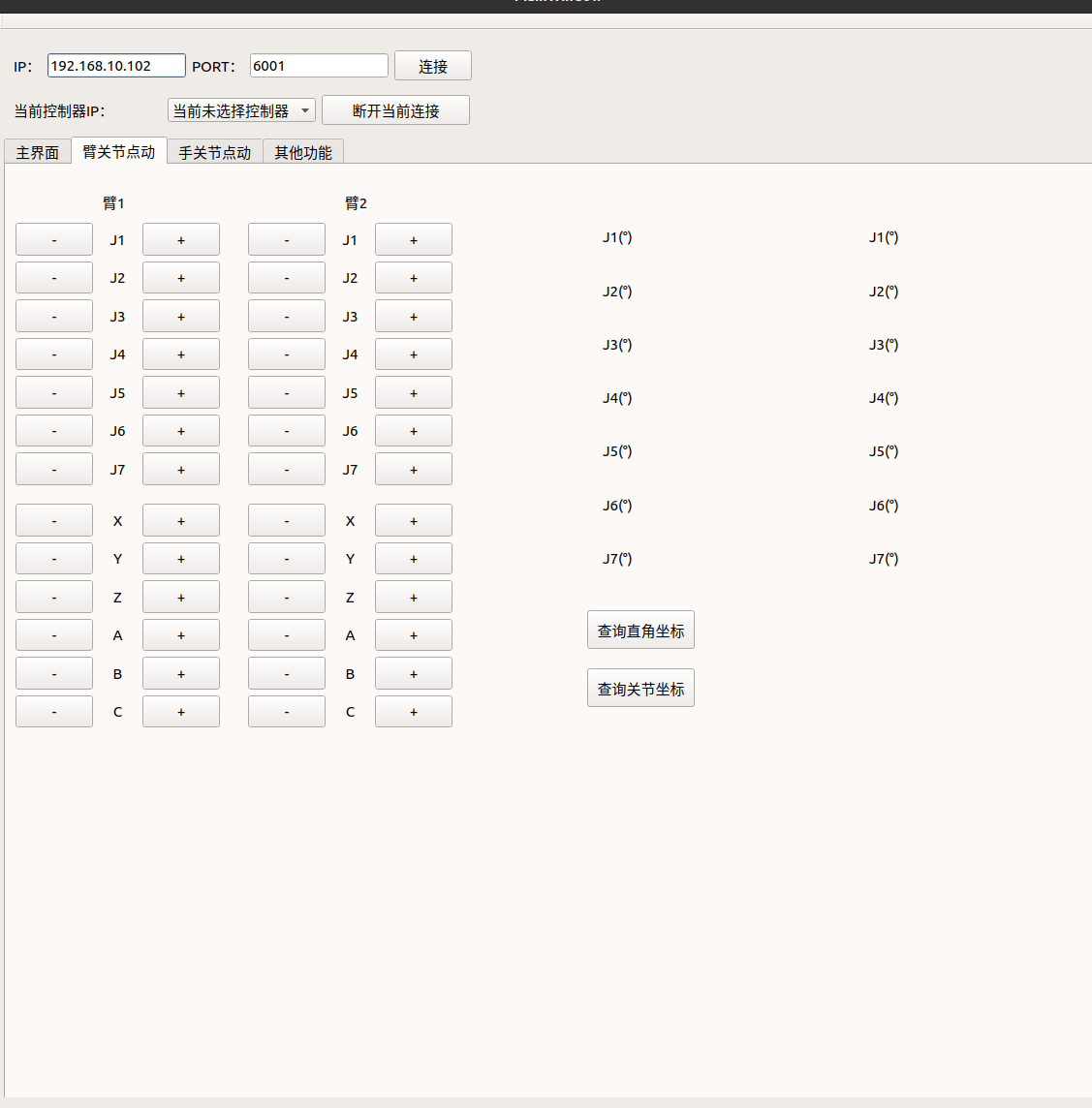
Common Issues and Tips
- Environment Variables: Make sure the terminal has already run
source /opt/ros/noetic/setup.bashandsource ~/inexbot/devel/setup.bash; - Qt Version: ROS Noetic defaults to Ubuntu 20.04, which comes with Qt5 version 5.12. Ensure your project is compatible with this version;
- Dependencies: If the project depends on other ROS packages (such as rviz, tf, etc.), add them to both
catkin_create_pkgandfind_package(catkin ...).